
The guideSharing and publishing
Sharing and publishing
A collection nobody sees is a private preference.
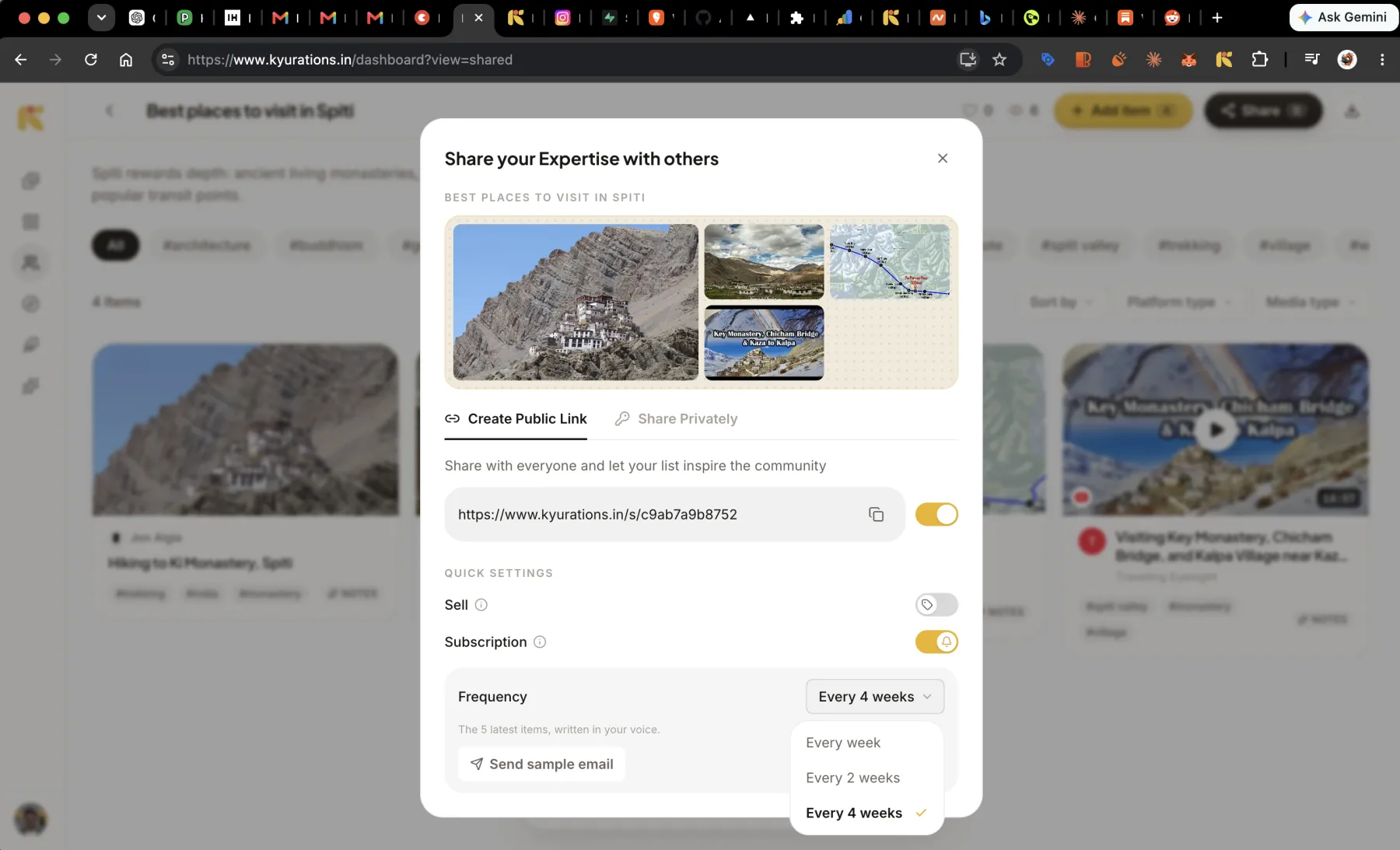
Any list can be published as a page anybody can open, sent privately to named people, or put behind a link and a password. A published collection gets its own address, a cover, likes and view counts, and can appear on Discover and on your profile. It can also run as a newsletter, mailing its newest items to subscribers every one, two or four weeks.
One switch, three states
Sharing is a single control rather than a scatter of settings. A list is private, public, or open to anyone holding both the link and a password. Turning one on turns the others off, and the modal says what changed.
Publishing to everyone
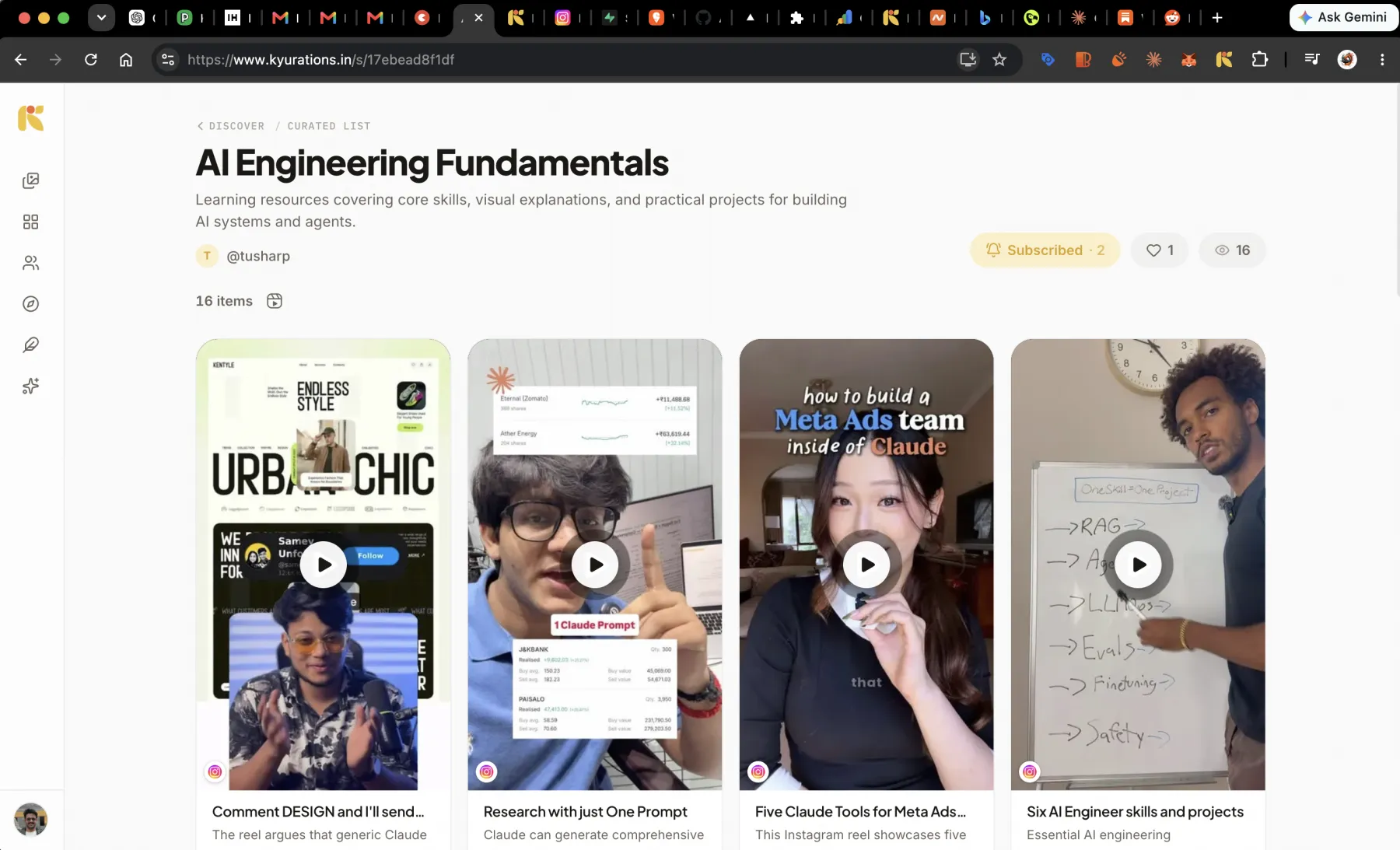
A public list becomes a real page: its own address, its cover, its description, and every item laid out the way it is laid out for you. Reels play, videos play, and a reader can open any item on its own.
It carries a like count and a view count, and a Curate your own invitation for the visitor who wants one of their own. It is also indexable, which is how somebody who has never heard of you finds a collection you made.
Sending it to particular people
Not everything worth sharing is worth publishing. Share Privately sends a list to named people by handle or by email. They get it in their Shared tab, wearing the same cover it wears for you, and the list stays off the public web.
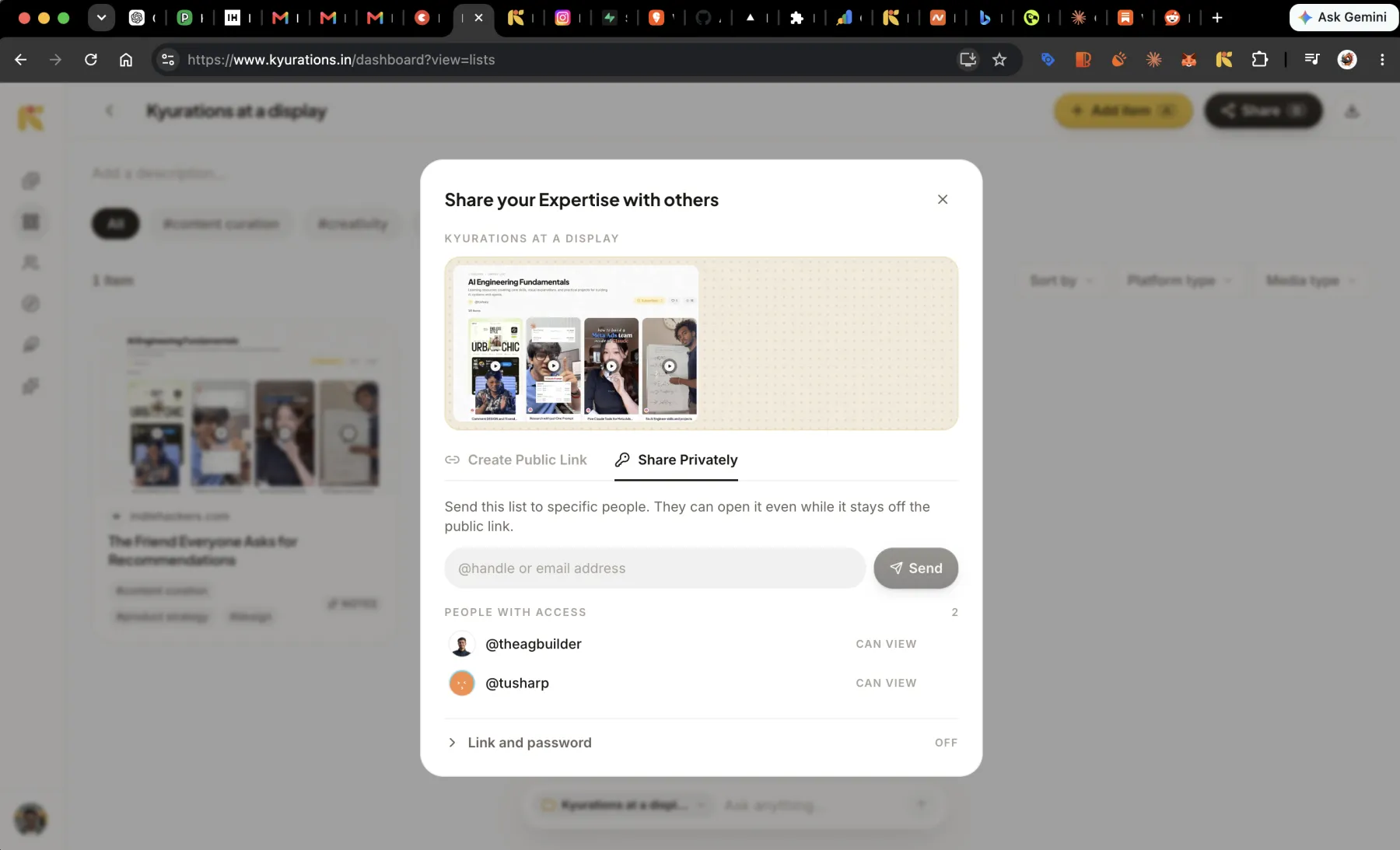
For a reader who has no account and should not need one, the third state is a link with a password on it. Anyone with both can open the page. Anyone with only the link cannot.
Running a list as a newsletter
A public list can collect subscribers. Turn Subscription on and a Subscribe button appears on the page; from then on, new things you add are mailed out on a schedule. A subscriber is someone with a Kyurations account who subscribed from the list's own page, and the issue goes to the verified email already on that account. There is no box where a stranger types an address, and no way to import one.
- The cadence is every week, every two weeks, or every four. Two weeks is the default.
- Each issue carries up to five items, written up as an issue rather than listed as links.
- Everything added since the last issue leads. If fewer than five things are new, the issue is topped up with the most recent older members so it still reads like an issue.
- Send yourself a sample first. It is the same email your subscribers will get.
A list running a newsletter is marked Live, and a Live list is the one place per-list numbers are shown: subscribers, views, likes, item count and when the next issue goes out. There is a page showing what an issue actually looks like at kyurations.in/newsletters.
Your profile, and Discover
Your handle is a page. Everything you have published sits on it, at an address you can put in a bio. Once a published collection holds a few items, it also appears on Discover, which is the front door for people browsing rather than searching, and on subject pages grouping collections by what they are about. A shorter one is still public: its link opens for anyone, and it sits on your profile.
Every published page carries the structured description search engines and AI assistants read, and a preview card built for it, so a link posted anywhere arrives looking like something rather than like a URL.
Taking it back
Switch sharing off and the page stops resolving. The share link is not recycled, the list is intact, and nothing you wrote is lost. A password link works the same way.
- ShareS
- Like this listL
- SubscribeB
Questions
- Do people need an account to read a collection I published?
- No. A public collection opens for anybody, signed in or not. Accounts are only needed to save, to curate, and to buy.
- What do subscribers actually receive?
- An email carrying up to five items, led by everything added since the last issue and topped up with recent older members if fewer than five are new, on the cadence you set. If you added nothing at all, nothing goes out.
- Can I see who subscribed?
- You see the count, and on a Live list you see it alongside views, likes and the next issue date. Kyurations does not hand you a list of subscriber email addresses.